Edit a PDF Without Adobe: PDFelement, PDFChef or Nitro?
In this guide
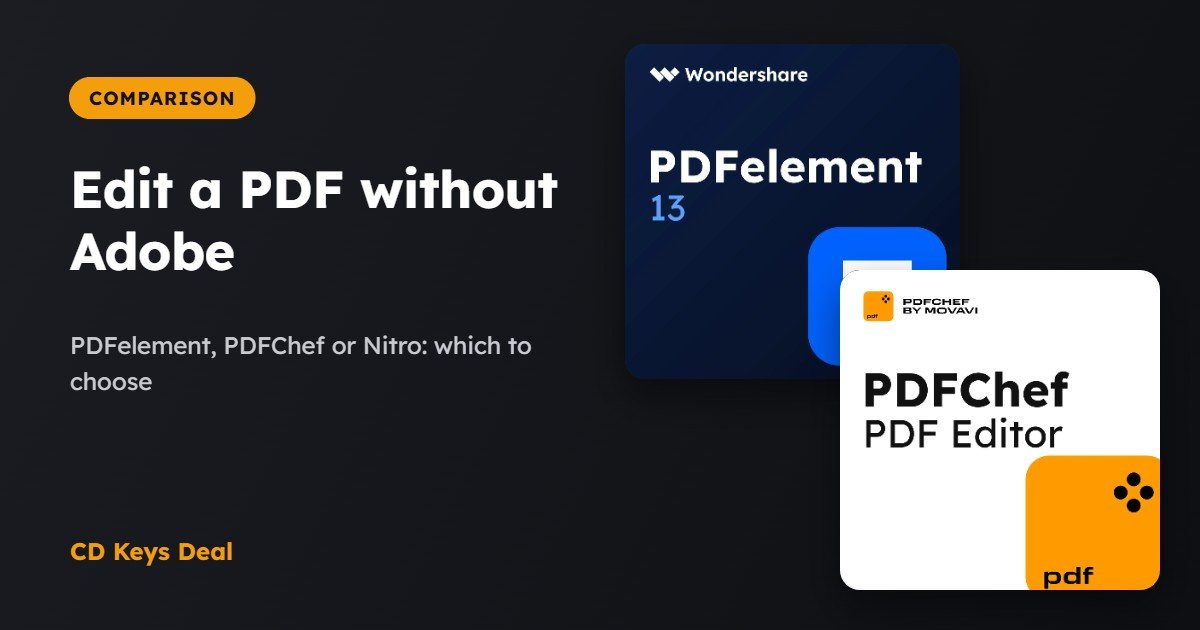
Need to fix a mistake in a PDF, fill in a form, sign a contract or turn a PDF into Word? You don’t necessarily need an Adobe Acrobat subscription. There are full PDF editors with a lifetime licence: you pay once and use them forever. Here’s how to choose between Wondershare PDFelement, PDFChef by Movavi and Nitro PDF Pro, and how to edit a PDF step by step.
The short version
- The most complete and modern: PDFelement 13, with OCR for scanned documents.
- The simplest and cheapest: PDFChef by Movavi.
- If you’re used to Microsoft Office: Nitro PDF Pro, with an interface similar to Word.
- All three: editing, converting, signing and forms, with no subscription.
What you can do for free
- Read and sign: Microsoft Edge and Adobe Reader let you add text, draw a signature and fill in many forms.
- Convert to Word: Microsoft Word opens PDFs and turns them into editable documents, but the layout often gets messed up.
To really edit the text while keeping the layout, merge files, use OCR or protect documents, you need a PDF editor.
The comparison
| PDFelement 13 | PDFChef by Movavi | Nitro PDF Pro 14 | |
|---|---|---|---|
| Edit text and images | Yes | Yes | Yes |
| Convert to Word, Excel, PowerPoint | Yes | Yes | Yes |
| OCR (scanned documents) | Yes | No | Yes |
| Forms and signatures | Yes | Yes | Yes |
| Merge, split, reorder | Yes | Yes | Yes |
| Password protection | Yes | Yes | Yes |
| Interface | Modern | Minimal | Office style |
| Licence and price (in our store) | Lifetime, €49.99 | Lifetime, €16.99 | Lifetime, €69.99 |
Our store prices at the time of publishing. All for 1 Windows PC. If an older version is enough for you, we also have Nitro PDF Pro 10 for just a few euros.
Wondering whether an Adobe subscription would suit you better? Read our comparison Adobe Acrobat Pro vs Nitro PDF Pro.
Guide: editing a PDF with PDFelement
We show you how to correct some text and save the PDF. With PDFChef and Nitro the steps are very similar. The screens are simplified.
Open the PDF
Install PDFelement, activate it with the code you received by email and drag the PDF into the window (or right-click the file → Open with → PDFelement).
Click Open PDF and choose the file
Turn on editing
In the top bar, open the Edit tab: the text blocks become editable, just like in Word.
Click Edit
The monthly rent is set at €650.00 …
Correct the text
Click inside the text and type as you would in a normal document: the font and size stay the same as the original.
Click the text you want to change and correct it
The monthly rent is set at €680.00 …|
Sign or protect it (if needed)
From the Protect tab you can add a signature and a password, or redact sensitive data before sending the file.
Add your signature in the right place
Tenant’s signature:
Save the PDF
Press Ctrl + S to save, or File → Save As to keep the original too.
Save it with a new name
Frequently asked questions
Can I edit a scanned PDF?
Yes, with an editor that has OCR (PDFelement or Nitro PDF Pro): it recognises the text in the image and makes it editable and searchable.
Do they work on Mac?
The licences we sell are for Windows. PDFelement is also available for Mac, but with a different licence.
Is the signature legally valid?
A drawn signature is fine for many everyday documents. For documents that require a qualified electronic signature, you need a certificate issued by an authorised provider.
Read also
All articles
Video Editing: Filmora vs Movavi Video Suite – Which One to Choose?
Filmora or Movavi Video Suite? Two easy video editors with a lifetime licence compared, free alternatives, and which to pick for social, family or tutorials.
Disk Partitions: How to Extend C: Without Losing Data
C: full and D: empty? What partitions are, what Windows can do, and how to move space from D: to C: without losing data using AOMEI Partition Assistant.
Slow PC: What Really Helps (and What Doesn’t) to Speed It Up
Slow PC? Free checks, what Driver Booster, Avast Cleanup and AVG TuneUp really do, what to avoid and when you need an SSD. With a step-by-step guide.