Adobe Acrobat Pro vs Nitro PDF Pro: Subscription or Lifetime Licence?
In this guide
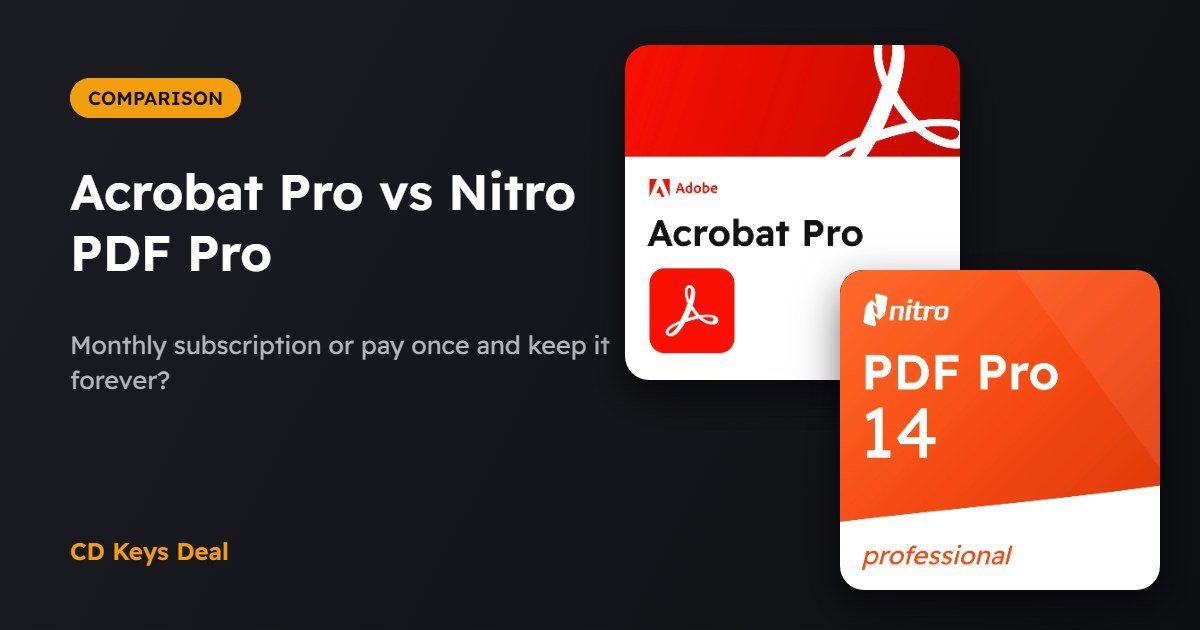
Need to edit, sign or convert PDFs and can’t decide between Adobe Acrobat Pro and Nitro PDF Pro? They do almost the same things, with one big difference: Acrobat is a subscription, while Nitro PDF Pro 14 is a lifetime licence. Let’s look at what they do, what they cost over time and which one makes sense for you.
The short version
- Adobe Acrobat Pro: the PDF standard, works on Windows and Mac, always up to date. Worth it if you need it for a limited time or also work on a Mac.
- Nitro PDF Pro 14: pay once and use it forever on one Windows PC. Worth it if you work with PDFs every day and don’t want subscriptions.
- One year of Acrobat costs about the same as a lifetime Nitro PDF Pro licence: from the second year on, Nitro is cheaper.
What both of them do
- edit text and images directly in the PDF;
- convert PDFs to Word, Excel and PowerPoint and back;
- OCR: make scanned documents editable and searchable;
- merge, split, reorder and compress pages;
- create and fill in forms;
- digital signatures and password protection;
- redaction of sensitive data.
The differences
| Adobe Acrobat Pro | Nitro PDF Pro 14 | |
|---|---|---|
| Licence type | Subscription (1 month) | Lifetime licence |
| Systems | Windows and Mac, plus mobile and web apps | Windows, 1 PC |
| Updates | Always on the latest version | Updates for version 14 |
| Interface | Acrobat’s own | Similar to Microsoft Office |
| Cloud services | Yes (Adobe storage and sharing) | No, works locally |
| Our price | €9.99 per month | €69.99 one-time |
What they cost over time
With Acrobat Pro at €9.99 a month you spend about €120 a year and €240 over two years. Nitro PDF Pro 14 costs €69.99 just once. If you use PDFs all year round, Nitro pays for itself in about seven months.
On the other hand, if you only need a PDF editor for one project or a few months, a monthly Acrobat Pro plan costs less.
Which one to choose
Choose Adobe Acrobat Pro if…
- you work on a Mac or on several devices;
- you need it for a limited time;
- you often exchange PDFs with firms, companies or public offices that use Acrobat and want maximum compatibility.
Choose Nitro PDF Pro if…
- you use a Windows PC and work with PDFs every day;
- you don’t want subscriptions or renewals;
- you prefer an interface similar to Word and Excel.
See Adobe Acrobat Pro See Nitro PDF Pro 14
Only need the basics (editing, converting, merging)? There’s also Nitro PDF Pro 10, also a lifetime licence, at a much lower price.
Frequently asked questions
Does Nitro PDF Pro 14 work on Mac?
No, the Nitro PDF Pro 14 licence is for Windows (1 PC). On a Mac, go for Adobe Acrobat Pro.
Can I open PDFs made with Acrobat in Nitro?
Yes, PDF is a standard format: files open and can be edited without problems in both programs.
How do I activate the product?
You receive the code by email within minutes, with instructions to download and activate the program from the official website. If you have any questions, message us.
Read also
All articles
Nero Platinum Suite: What’s Included and How to Burn Discs on Windows 11
What's in Nero Platinum Suite and how to burn CDs, DVDs and Blu-rays on Windows 11: data discs, audio CDs, ISO images and video DVDs step by step.
Is CCleaner Still Worth It in 2026? Is It Safe?
Do you still need CCleaner in 2026, and is it safe? What Windows 11 already does, what CCleaner Professional adds and how to set it up properly.
How to Clone HDD to SSD on Windows 11 Without Reinstalling
Move Windows 11 to a new SSD without reinstalling: clone your drive step by step with EaseUS Todo Backup and keep your programs, files and activation.