
Windows 11 LTSC and IoT LTSC 2024: what they are and which to choose
In this guide
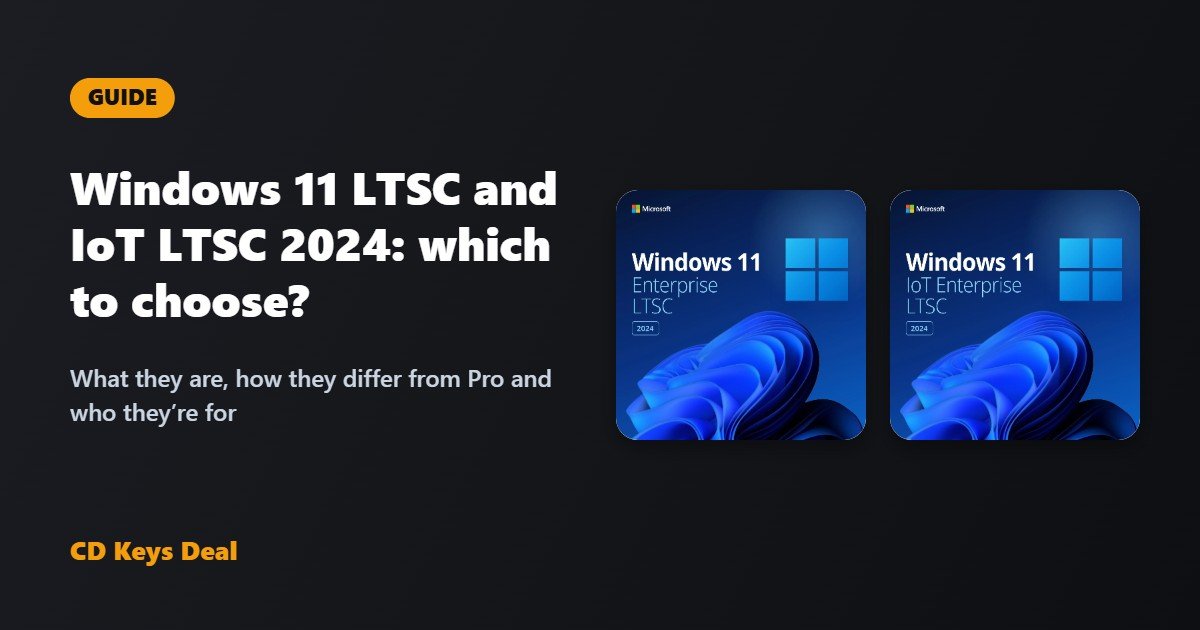
Looking for a Windows 11 that’s stable, lightweight and free of unwanted apps, and doesn’t change with every update? Then you’ve probably heard of Windows 11 LTSC. This guide explains what it is, what’s different from Windows 11 Pro, the difference between Enterprise LTSC 2024 and IoT Enterprise LTSC 2024, and which one to choose.
The short version
- Windows 11 Pro: the right choice for most people, especially if you game or use apps from the Microsoft Store.
- Enterprise LTSC 2024: a clean, stable Windows 11 with no Store and no preinstalled apps, and security updates until 9 October 2029.
- IoT Enterprise LTSC 2024: like Enterprise LTSC, but with security updates until 10 October 2034 and lower hardware requirements (TPM and Secure Boot optional).
What is Windows 11 LTSC?
LTSC stands for Long-Term Servicing Channel. It’s an edition of Windows 11 designed for computers that need to stay the same over time: offices, practices, shops, machines and work PCs where an update that changes the interface or breaks a program is a problem.
The LTSC 2024 editions are based on Windows 11 version 24H2 and get only security and quality updates: no yearly feature updates. The system you install today is the one you’ll have in five years, just more secure.
What’s different from Windows 11 Pro
What you won’t find in the LTSC editions:
- the Microsoft Store;
- preinstalled consumer apps (games, promotional apps and most built-in apps);
- yearly feature updates.
What stays: Microsoft Edge, Microsoft Defender, File Explorer, the usual settings and Enterprise features such as BitLocker, Group Policy and domain join. Any program you download from its maker’s website (Office, Chrome, Steam, Adobe, business software) installs as normal.
The result is a system with fewer background processes, fewer notifications and less disk space used.
Enterprise LTSC 2024 or IoT Enterprise LTSC 2024?
In everyday use the two editions are almost identical. The main differences are how long they’re supported and the hardware requirements:
| Enterprise LTSC 2024 | IoT Enterprise LTSC 2024 | |
|---|---|---|
| Based on | Windows 11 24H2 | Windows 11 24H2 |
| Security updates | until 9 October 2029 | until 10 October 2034 |
| TPM 2.0 and Secure Boot | required | optional |
| Minimum RAM | 4 GB | 2 GB |
| Minimum storage | 64 GB | 16 GB |
| Microsoft Store | no | no |
IoT Enterprise LTSC is made for dedicated devices (tills, kiosks, industrial PCs, machines), which is why it has lower requirements and 10 years of support. Enterprise LTSC is meant for normal workstations that meet the Windows 11 requirements.
Which one to choose
Choose Windows 11 Pro if…
- you game with the Xbox app or Game Pass, or use apps that are only available from the Microsoft Store;
- you want new Windows features as soon as they come out;
- you want the simplest option for a home PC (see Windows 11 Home vs Pro).
Choose Enterprise LTSC 2024 if…
- you use your PC for work and want a system that doesn’t change;
- you don’t use the Store and prefer a clean Windows without apps you didn’t ask for;
- your PC meets the Windows 11 requirements.
Choose IoT Enterprise LTSC 2024 if…
- you want the longest security coverage, until 2034;
- your PC has no TPM 2.0 or Secure Boot, or has little RAM or storage;
- you’re installing it on a dedicated device, such as a till, a kiosk or a PC connected to a machine.
What about Windows 10 LTSC 2021?
Windows 10 has its own LTSC editions too. Windows 10 Enterprise LTSC 2021 gets security updates until 12 January 2027, and Windows 10 IoT Enterprise LTSC 2021 until 13 January 2032. They make sense if a program or machine specifically needs Windows 10; for a new installation, the 2024 version is the better choice.
How to install and activate it
LTSC is a separate edition: you can’t switch from Windows 11 Home or Pro to LTSC just by changing the product key. You need a clean installation from the LTSC image:
- Make a backup of your files.
- Download the installation image with the official link in your order email and create a bootable USB drive.
- Boot the PC from the USB drive and install Windows.
- Go to Settings → System → Activation → Change product key and enter your key.
If you see an activation error, follow the Windows activation guide or the article Windows not activated? How to fix the errors. For phone activation, use our Get CID tool.
See Enterprise LTSC 2024 See IoT Enterprise LTSC 2024
Frequently asked questions
Can I game on Windows 11 LTSC?
Yes, games from Steam, Epic Games and other launchers work normally. If you use Game Pass or the Xbox app, which go through the Microsoft Store, choose Windows 11 Pro.
Is the licence lifetime?
Yes: the licence doesn’t expire. The dates above refer to Microsoft’s security updates.
Can I add the Microsoft Store?
The Store isn’t included in the LTSC editions and Microsoft doesn’t officially support it there. If you need it, Windows 11 Pro is the right choice.
Does Office work on LTSC?
Yes, Office 2024, Office 2021 and Microsoft 365 install and activate just like on any other Windows 11. See also Office 2024 vs Office 2021 vs Microsoft 365.
Not sure which edition is right for you? Message us: we’ll help you choose, for free.
Read also
All articles
How to change the language of Windows 11 IoT Enterprise LTSC 2024 (French, Italian, Spanish, German…)
Windows 11 IoT Enterprise LTSC 2024 is English only. How to change the language of Windows 11 IoT LTSC to French, Italian, Spanish, German or another language completely, including the sign-in screen, and what to do if it switches back to English after updates.
PC won’t start after a Windows update: how to go back and fix it
Black screen, blue screen or endless restarts after a Windows update? How to open the Recovery Environment, uninstall the update and fix Windows without losing your files.
PC without TPM 2.0: how to move to Windows 11 (and what to do if you can’t)
“This PC doesn’t meet the system requirements”? How to check and turn on TPM 2.0 and Secure Boot in the BIOS, and what to do if the PC has no TPM: Windows 11 IoT Enterprise LTSC 2024.