
Office 2024 vs Office 2021 vs Microsoft 365: which is worth it?
In this guide
Need to buy Office and not sure whether to choose Office 2024, Office 2021 or a Microsoft 365 subscription? The main difference is simple: Office 2024 and 2021 are paid once and are yours forever, Microsoft 365 is paid every year. This guide shows what changes, how much you spend over time and which one suits you.
The short version
- Office 2024: pay once, security updates until October 2029. The right choice for most people.
- Office 2021: the cheapest option, complete and proven. Microsoft’s official support ended in October 2026.
- Microsoft 365: yearly subscription with 1 TB of cloud storage and Copilot. Only worth it if you really need cloud and AI features.
Quick comparison
| Office 2024 | Office 2021 | Microsoft 365 | |
|---|---|---|---|
| How you pay | Once, lifetime licence | Once, lifetime licence | Yearly or monthly subscription |
| Security updates | Until October 2029 | Support ended October 2026 | As long as you pay |
| New features over time | No, fixed version | No, fixed version | Yes |
| OneDrive cloud storage | No | No | 1 TB per person |
| Copilot (AI) | No | No | Yes |
| Microsoft account required | No (Professional Plus) | No (Professional Plus) | Yes |
| Works without a subscription | Yes | Yes | No: if you stop paying, the apps go read-only |
Office 2024: buy it and forget it
Office 2024 is the latest one-time-purchase version of Office. You install the apps on your PC, activate them with the product key and use them forever, with no renewals. Microsoft supports it with security updates until October 2029.
Compared with Office 2021 it brings a refreshed interface and new features, for example the IMAGE and TEXTSPLIT functions in Excel, dynamic charts and support for OpenDocument 1.4.
The versions available:
- Office 2024 Professional Plus: Word, Excel, PowerPoint, Outlook, OneNote and Access, for Windows. The most complete.
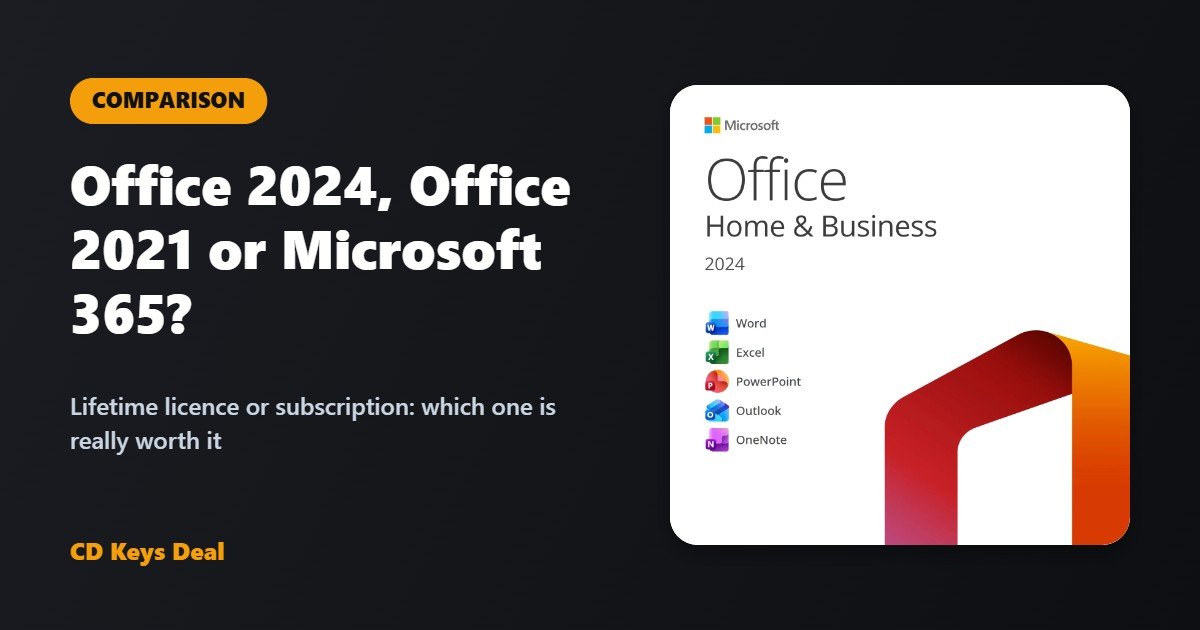
- Office 2024 Home & Business: Word, Excel, PowerPoint, OneNote and Outlook, with commercial use rights. Also available for Mac.
- Office 2024 Home: Word, Excel, PowerPoint and OneNote. Also available for Mac.
Office 2021: the choice to spend less
Office 2021 is a complete, proven suite: Word, Excel, PowerPoint, Outlook and the other apps work exactly as before, with a lifetime licence. It’s ideal if you want to spend as little as possible and need the classic features for writing, spreadsheets and presentations.
Keep in mind that Microsoft ended official support for Office 2021 in October 2026, so it won’t receive new updates. If you’d rather have updates until 2029 and the latest features, choose Office 2024.
See Office 2021 Professional Plus
Microsoft 365: for cloud and AI
Microsoft 365 is a subscription: you always have the latest apps, 1 TB of OneDrive, built-in Copilot, and you can use it on PC, Mac, tablet and phone. Microsoft’s list price in the eurozone is about €99 a year for Personal and €129 a year for Family (up to 6 people).
The downside is the cost over time: over three years a Personal subscription costs about €300, while an Office 2024 licence is paid once. And if you stop paying, the apps go read-only.
Which one should you choose?
Choose Office 2024 if…
- you use Word, Excel and PowerPoint for work, study or at home;
- you don’t want a subscription to renew every year;
- saving files on your PC or your favourite cloud is enough.
Choose Office 2021 if…
- you want a lifetime licence at the lowest price;
- the classic features of Word, Excel and PowerPoint are all you need.
Choose Microsoft 365 if…
- you need 1 TB of cloud storage to back up photos and documents;
- you use Office on tablet and phone every day;
- you want Copilot’s AI features inside Word and Excel.
For most people the best value is Office 2024 Professional Plus: all the main apps, a lifetime licence and security updates until 2029.
See Office 2024 Professional Plus
Frequently asked questions
Can I keep using Office 2021?
Yes, Office 2021 keeps working normally with your lifetime licence. Since support ended in October 2026, Microsoft no longer releases new updates: if you want to stay updated until 2029, you can move to Office 2024.
Does Office 2024 work on Mac?
Yes, in the Home and Home & Business for Mac versions, which you’ll find in our Office shop. Professional Plus is Windows only.
Can I install Office 2024 if Microsoft 365 is already on my PC?
Uninstall Microsoft 365 (or the preinstalled trial) first, then install Office 2024: two versions side by side can block activation. You’ll find every step in the guide How to activate Office 2024 Professional Plus.
Is one licence valid for several PCs?
One licence is for one PC. If you need more, Office 2024 Professional Plus is also available for 2, 5, 10 and 20 PCs.
Not sure which version to get? Message us: we’ll recommend the right one for you.
Read also
All articles
Visio 2024 and Project 2024 Professional LTSC: what they are for and how to activate them
Visio 2024 and Project 2024 Professional LTSC: what they are for, what LTSC means, what’s new, requirements, Office compatibility and how to install and activate them.
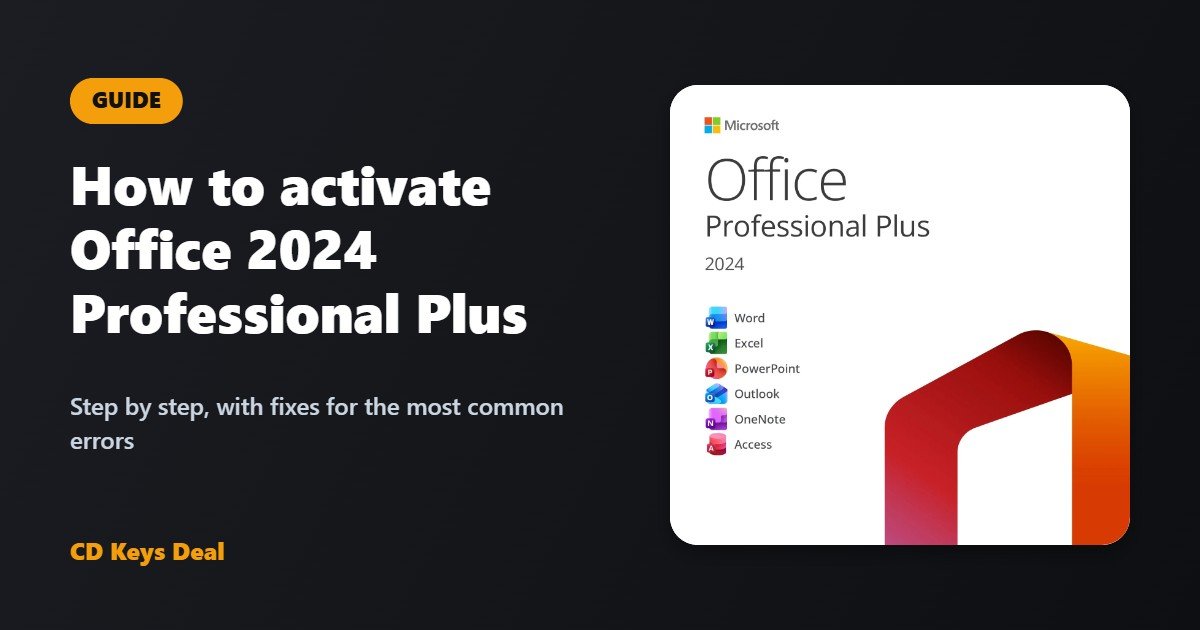
How to activate Office 2024 Professional Plus: step-by-step guide
How to install and activate Office 2024 Professional Plus in 5 minutes: product key, download, phone activation with Get CID and fixes for errors 0xC004C008, 0xC004C060 and 0xC004C003.
How to change the language of Windows 11 IoT Enterprise LTSC 2024 (French, Italian, Spanish, German…)
Windows 11 IoT Enterprise LTSC 2024 is English only. How to change the language of Windows 11 IoT LTSC to French, Italian, Spanish, German or another language completely, including the sign-in screen, and what to do if it switches back to English after updates.