
Office 2019 and Office 2016 in 2026: can you still activate them, and are they worth it?
In this guide
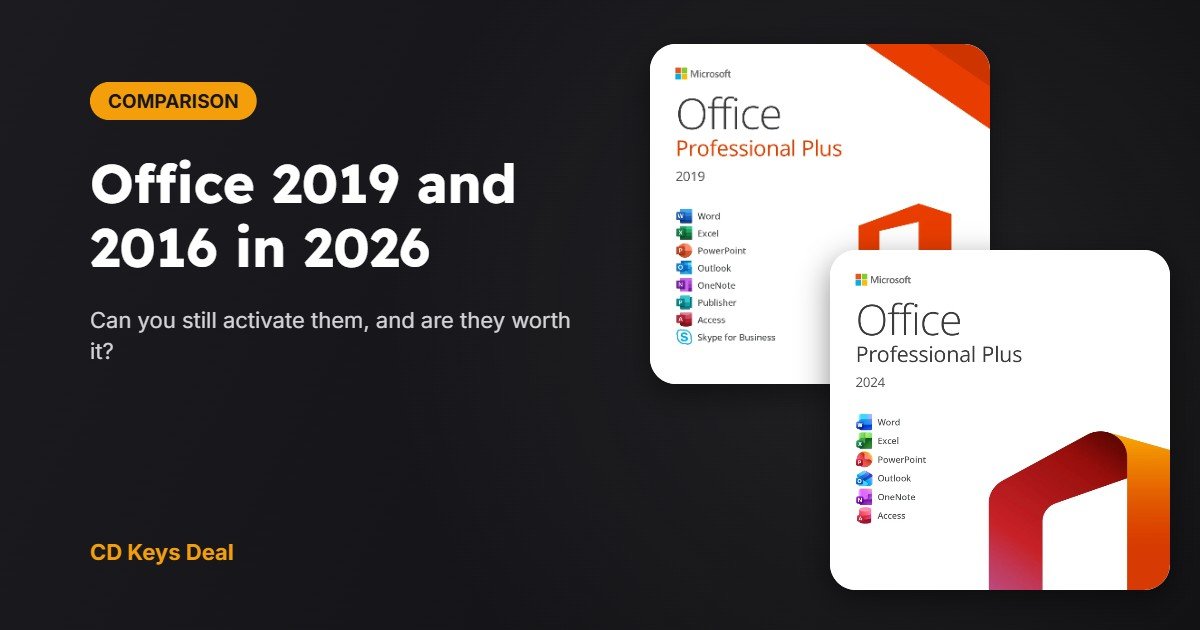
Office 2019 and Office 2016 are still searched for a lot: they’re cheap, familiar and work without a subscription. But in 2026 things have changed. Can you still install and activate them? Is it safe to use them? And what about Office 2021? Here’s the answer with Microsoft’s official dates.
In short
- Office 2016 and 2019 lost support on 14 October 2025. Office 2021 on 13 October 2026.
- They still work and can be activated, but no longer get security patches.
- Office 2024 is supported until 9 October 2029.
- In our shop Office 2024 costs only €4 more than Office 2019: €10.99 vs €6.99.
1. End-of-support dates
| Version | End of Microsoft support | Status today |
|---|---|---|
| Office 2016 | 14 October 2025 | No updates |
| Office 2019 | 14 October 2025 | No updates |
| Office 2021 / LTSC 2021 | 13 October 2026 | No updates |
| Office 2024 / LTSC 2024 | 9 October 2029 | Supported |
2. What “end of support” means
Office doesn’t switch off or delete itself. Word, Excel and PowerPoint still open and your documents are still there. What ends is:
- Security updates: if a vulnerability is found (for example in Word or Excel files with malicious macros), it won’t be fixed.
- Bug fixes and Microsoft technical support.
- Guaranteed compatibility with Microsoft 365 services (for example Outlook with Exchange Online work accounts).
For writing documents on a home PC the risk is low. For anyone who opens files from clients or strangers (freelancers, offices), the risk grows every month.
3. Can they still be activated?
Yes. Office 2016 and 2019 still install and activate with a valid key, online or by phone. The steps are the same as for newer versions: see Office product key: where to find it and how to activate. If online activation fails, use our Get CID tool.
We no longer sell Office 2016. Office 2019 is still available for anyone who needs it, for example for compatibility with old company macros or templates.
4. Which one makes sense in 2026?
| Office 2019 Pro Plus | Office 2021 Pro Plus | Office 2024 Pro Plus | |
|---|---|---|---|
| Security updates | No | No | Yes, until 2029 |
| Compatible Windows | Windows 10 and 11 | Windows 10 and 11 | Windows 10 and 11 |
| What’s new | — | Co-authoring, new Excel functions (XLOOKUP) | All of 2021 + Excel, Outlook and accessibility improvements |
| Price in our shop | €6.99 | €8.99 | €10.99 |
Prices at the time of publication.
- Choose Office 2024 if you use your PC every day, work with other people’s files or want to forget about it for years. For €4 more than Office 2019 you get 3 more years of security patches.
- Office 2019 only makes sense if you need exactly that version, or for a PC that’s never online.
Torn between lifetime Office and Microsoft 365? Read Office 2024 vs Office 2021 vs Microsoft 365: which is best?
5. How to move from Office 2016 or 2019 to Office 2024
- Your documents aren’t touched: they’re in your folders, not inside Office.
- Uninstall the old version from Settings → Apps.
- Install Office 2024 from our download links and activate it with the new key.
- If you use Outlook, check first where your .pst files are and reopen them in the new Outlook.
See Office 2024 Professional Plus
See Office 2019 Professional Plus
Frequently asked questions
Will Office 2019 stop working?
No. It will keep working, just without security updates.
Can I install Office 2024 and keep Office 2019?
It’s not recommended: two Office versions on the same PC often cause activation problems. Uninstall the old one first.
Do Office 2016 files open in Office 2024?
Yes, the .docx, .xlsx and .pptx formats are the same.
Read also
All articles
Office activators (KMSpico, KMS): why they’re a risk and how to activate Office legally for little money
What Office activators like KMSpico really do, why your antivirus blocks them, the risks involved and how to activate Office with a genuine licence from €6.99.
Office product key: where to find it and how to activate Office (2016, 2019, 2021 and 2024)
Where to find your Office product key, how to enter it in Office 2016, 2019, 2021 and 2024, and how to fix the most common activation errors.
Visio 2024 and Project 2024 Professional LTSC: what they are for and how to activate them
Visio 2024 and Project 2024 Professional LTSC: what they are for, what LTSC means, what’s new, requirements, Office compatibility and how to install and activate them.