Genuine licence
Genuine product key from authorised distributors. Valid for life, no subscription.
Delivered in minutes
You get the product key by email right after payment, with the download link and a guide.
Activation in 3 steps
- 1Download the software from the official link
- 2Install it and enter the product key
- 3Activate online, done
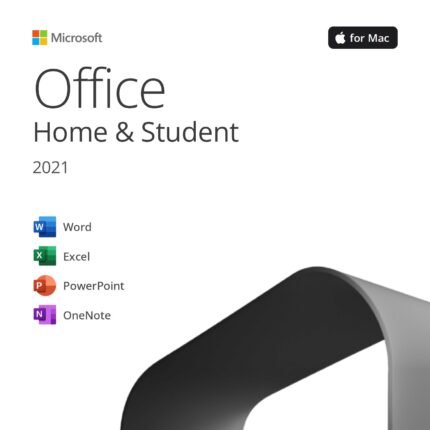
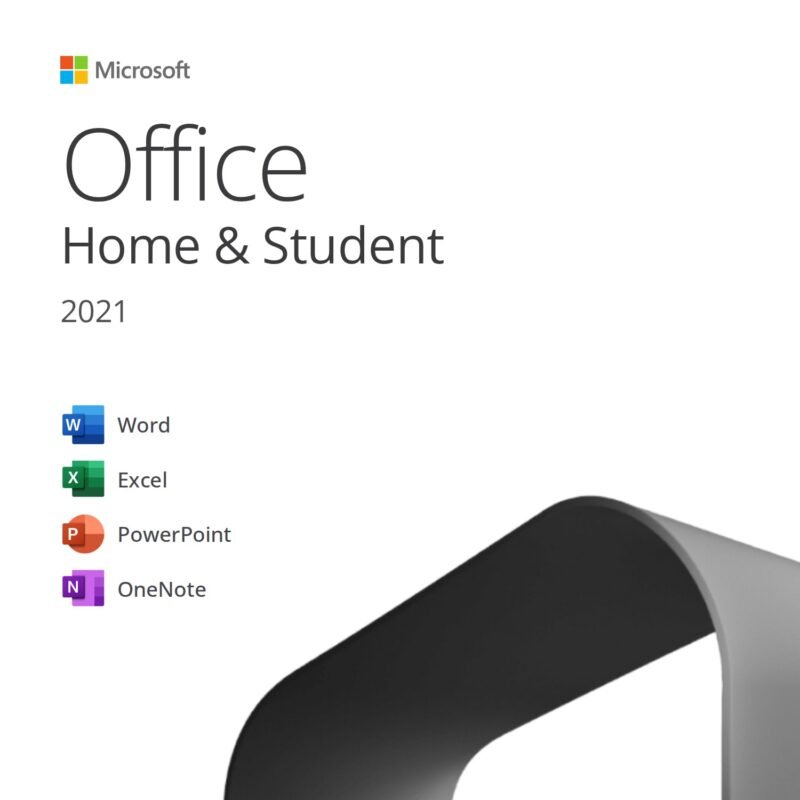
Microsoft Office 2021 Home & Student for Mac – Lifetime Licence 1 Mac · Digital Product Key
€79,99
- Licence
- Lifetime
- Devices
- 1 Mac
- Compatibility
- macOS
- Delivery
- By email, within minutes
Product description
Office 2021 Home & Student for Mac is Microsoft’s suite for study and home use on macOS: Word, Excel, PowerPoint and OneNote with a genuine lifetime licence for 1 Mac, with no subscription. Product key by email within minutes and official download from Microsoft’s servers.
Optimised for Apple Silicon chips and recent versions of macOS, it includes the 2021 new features such as XLOOKUP in Excel and presentation recording in PowerPoint. Transferable Retail licence. Step-by-step guide and free support included.
Applications included in Office 2021 Home & Student for Mac
- Word 2021 for Mac
- Excel 2021 for Mac
- PowerPoint 2021 for Mac
- OneNote for Mac
What you get with Office 2021 Home & Student for Mac
- Genuine product key to activate Office 2021 Home & Student for Mac on 1 Mac
- Official download link for the software from Microsoft’s servers (no physical media, no waiting)
- Installation and activation guide, step by step
- Delivered by email within minutes of payment confirmation
- Invoice and free support before and after your purchase
Key features of Office 2021 Home & Student for Mac
- Word, Excel, PowerPoint and OneNote 2021 for Mac in their full versions
- Native for Apple Silicon (M1, M2, M3, M4) and Intel, with Dark Mode support
- Excel 2021: XLOOKUP, dynamic arrays and new functions
- PowerPoint 2021: presentation recording and new animations
- Retail licence: transferable to a new Mac after uninstalling it from the old one
- Perpetual licence, no subscription: keeps working even after Microsoft support ends (13 October 2026)
CD Keys Deal warranty and support
We buy our licences from authorised software distributors and keep the documentation for every supply. If the key doesn’t work on your first activation attempt, we’ll replace it or refund you, as set out in our Warranty Policy. Our team replies by email in under an hour on average and guides you step by step, from installation to activation. Secure payments, invoice included, instant digital delivery: no parcel to wait for.
System requirements
- macOS: one of the three most recent versions of macOS (macOS 12 Monterey or later recommended)
- Processor: Mac with Apple Silicon or Intel chip
- RAM: 4 GB
- Disk space: 10 GB available
- Display: 1280 × 800 resolution or higher
- Internet connection for download and activation
How to activate
Your code and links arrive by email within minutes.
- Redeem the code
Go to setup.office.com, sign in with your Microsoft account (or create one for free) and enter the code.
- Download Office for Mac
From
account.microsoft.com → Services & subscriptionsdownload and install Office. - Open Word and sign in
Sign in with the same account: Office activates by itself.
FAQ
Is the licence genuine and lifetime?
Yes. You receive a genuine Microsoft product key for Office 2021 Home & Student for Mac, purchased from authorised software distributors. Perpetual licence: no subscription, no fees, no expiry date.
How many Macs can I install Office 2021 Home & Student for Mac on?
The licence is valid for 1 Mac. If you ever need to move it to a new computer, get in touch with us before you do: we’ll explain the correct procedure for your type of licence.
Is it compatible with my Mac?
Yes: it works on Macs with Apple Silicon (M1, M2, M3, M4) and Intel chips, running one of the recent versions of macOS. It can’t be installed on Windows.
Will I receive Microsoft updates?
Office 2021 for Mac receives security updates from Microsoft until 13 October 2026, when support ends. After that date the suite keeps working normally, with no expiry, but no longer receives security patches.
What’s the difference from Microsoft 365?
Microsoft 365 is a subscription with a monthly or annual fee; this is a perpetual licence: you pay just once and use the applications forever, with no renewals. It doesn’t include the extra OneDrive storage or the cloud features reserved for subscribers, but for most users it’s the most cost-effective choice in the long run.
Which language does it install in?
The licence is multilingual: you can install Office in English or any other language supported by Microsoft.
How and when do I receive the licence?
By email, within minutes of payment confirmation (in rare cases, due to anti-fraud checks, within 24 hours). No physical media: you receive the product key, the official download link and the step-by-step guide.