Kaspersky Standard vs Plus vs Premium: Differences and Which to Choose
In this guide
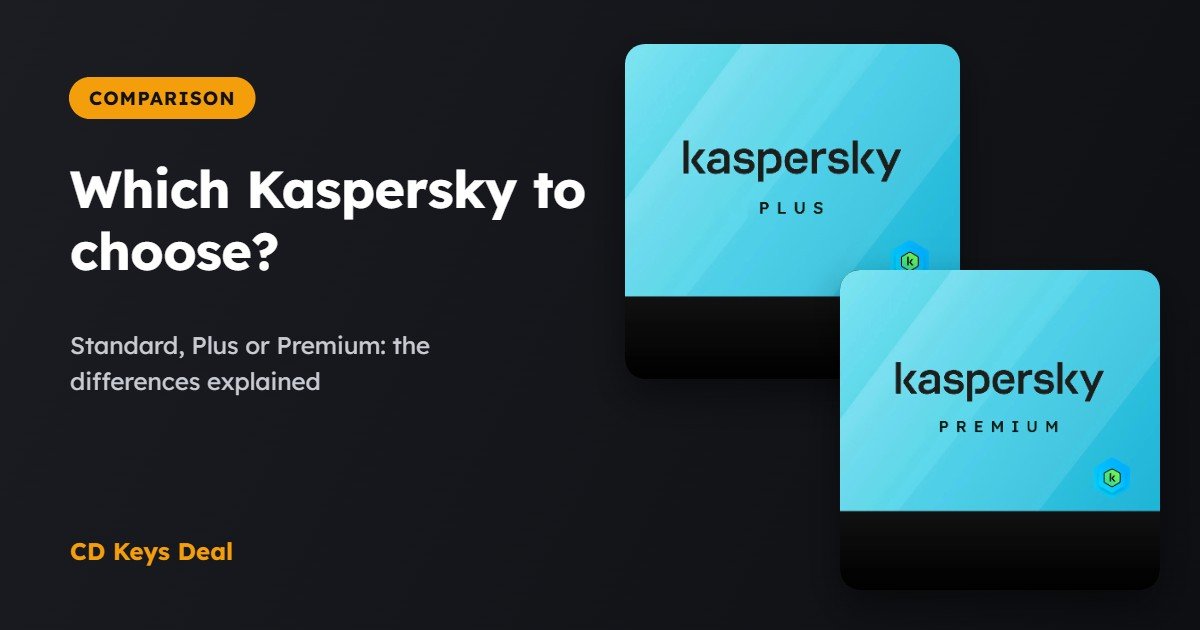
Kaspersky sells three versions for home users: Standard, Plus and Premium. The antivirus engine is the same in all three: what changes is everything around it, meaning the VPN, the password manager and identity protection. In this guide we look at what each one includes and which one really makes sense for you.
The short version
- Kaspersky Standard: full antivirus, firewall, payment protection and optimisation. Enough if you just want to be protected.
- Kaspersky Plus: everything in Standard plus an unlimited VPN, a Password Manager and data leak checks. It’s the right choice for most people.
- Kaspersky Premium: everything in Plus, plus identity protection, a document vault and priority support. Worth it if you want the lot.
What they have in common
All three versions use the same protection engine, which has been among the best in independent tests for years. In every version you get:
- real-time antivirus against viruses, malware, spyware and ransomware;
- anti-phishing and blocking of dangerous websites;
- a firewall and Wi-Fi network protection;
- Safe Money, which opens your bank and shopping sites in a protected browser;
- tools to speed up your device and free up space;
- apps for Windows, Mac, Android and iOS, managed from your My Kaspersky account.
The differences
| Standard | Plus | Premium | |
|---|---|---|---|
| Antivirus, firewall, anti-phishing | Yes | Yes | Yes |
| Safe Money | Yes | Yes | Yes |
| Device optimisation | Yes | Yes | Yes |
| Unlimited VPN | No | Yes | Yes |
| Password Manager | No | Yes | Yes |
| Data leak checker | No | Yes | Yes |
| Identity protection and document vault | No | No | Yes |
| Priority support | No | No | Yes |
| Our price | — | 5 devices, €33.99 | 3 devices, €29.99 |
The prices shown are our store prices at the time of publishing and are for 1 year.
Which one to choose
Kaspersky Standard: if you only want the antivirus
Do you have a PC or a Mac, already use a password manager (even the one in your browser) and don’t need a VPN? Standard gives you the same protection as the higher versions, without extras you wouldn’t use.
We don’t sell the Standard edition: Kaspersky Premium costs about the same and gives you much more.
Kaspersky Plus: the most balanced choice
For most people this is the best version. The VPN with no traffic limits would cost almost as much as the whole package on its own, and the Password Manager lets you use different, strong passwords on every site. With us it covers 5 devices: the PC, phone and tablet at home all together.
Kaspersky Premium: if you want everything
Premium adds tools to protect your identity (an encrypted vault for documents like your ID card and passport) and priority support. It makes sense if you manage lots of accounts and important documents, or if you want quick help when something goes wrong.
How to activate it
- Go to my.kaspersky.com and sign in or create a free account.
- Enter the activation code you receive by email.
- Download the app on each device and sign in with the same account: the licence is applied automatically.
Frequently asked questions
Can I switch from Standard to Plus or Premium later?
Yes. When your licence expires you can activate a higher version with a new code, without reinstalling anything: the app updates itself.
Does the VPN in Plus and Premium have limits?
No: in Plus and Premium the VPN is unlimited, with servers in many countries. It isn’t included in Standard.
Does it work on Mac and smartphones too?
Yes, all three versions have apps for Windows, Mac, Android and iOS. The number of devices depends on the licence you buy.
Read also
All articles
Do You Really Need a VPN? Surfshark, CyberGhost and Bitdefender VPN Compared
What a VPN does, when you really need one and when you don't: Surfshark, CyberGhost and Bitdefender Premium VPN compared, plus how to use one on your PC.
Family Antivirus: How to Protect 10–15 Devices with One Licence
Protect the whole family's PCs, Macs and phones with one antivirus licence: which one to choose and a step-by-step guide with Bitdefender Family Pack.
Best Antivirus 2026: An Honest Comparison of Bitdefender, Kaspersky, Norton, ESET and More
The best antivirus in 2026: Bitdefender, Kaspersky, Norton, ESET, G Data, McAfee and more compared on protection, extras, devices and price.