
Adobe Creative Cloud Pro vs Photography Plan: Which Adobe Plan Do You Need?
In this guide
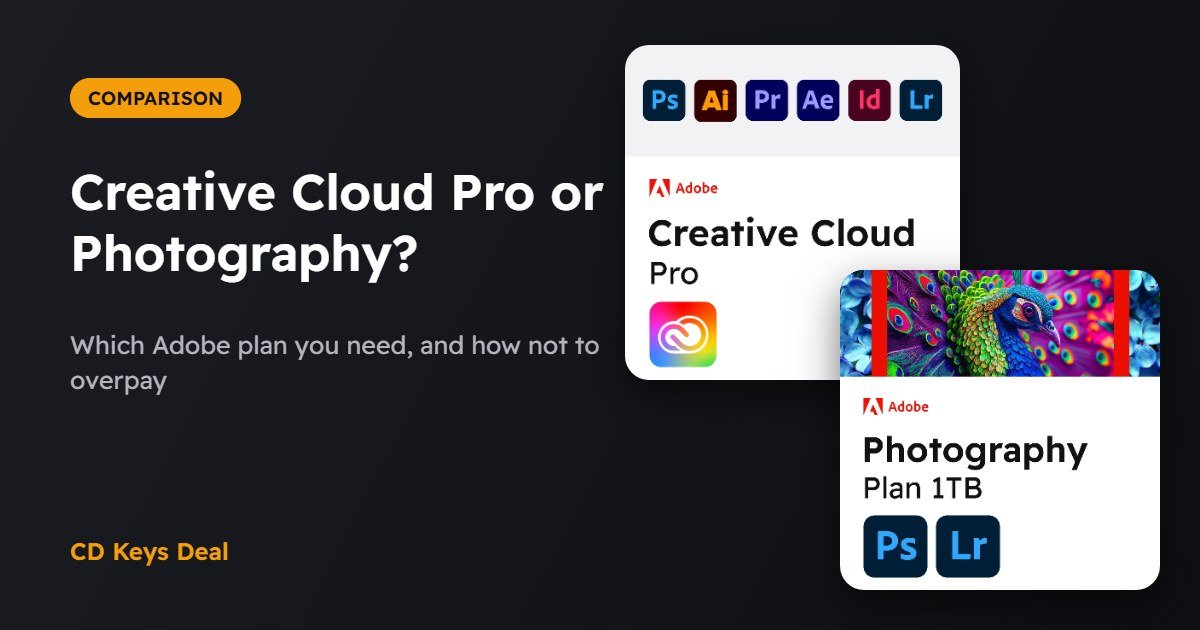
Adobe has lots of plans, and picking the right one isn’t easy. For most people the choice comes down to two: the Photography plan (Photoshop and Lightroom) and Creative Cloud Pro (all apps). In this guide we look at what each one includes, who it’s for and how to avoid paying for apps you’ll never use.
The short version
- Photography plan 1 TB: Photoshop, Lightroom and Lightroom Classic with 1 TB of cloud storage. Perfect for photographers and anyone who retouches images.
- Creative Cloud Pro: 20+ apps, including Photoshop, Illustrator, Premiere Pro, After Effects, InDesign and Acrobat Pro, with Firefly AI features. For people who do graphic design, video or work across several programs.
- If you only use Photoshop and Lightroom, the Photography plan costs much less.
What the Photography plan includes
- Photoshop for desktop, iPad and web;
- Lightroom (the cloud version, on computer, phone and tablet);
- Lightroom Classic (the desktop version with a local catalogue, preferred by professionals);
- 1 TB of cloud storage.
What Creative Cloud Pro includes
- 20+ apps: Photoshop, Lightroom, Illustrator, InDesign, Premiere Pro, After Effects, Audition, Animate, Dreamweaver, Acrobat Pro and more;
- Adobe Express Premium for quick social media content;
- Firefly generative AI features for images, video and vectors;
- 100 GB of cloud storage.
Quick comparison
| Photography plan 1 TB | Creative Cloud Pro | |
|---|---|---|
| Photoshop | Yes | Yes |
| Lightroom and Lightroom Classic | Yes | Yes |
| Illustrator, InDesign | No | Yes |
| Premiere Pro, After Effects | No | Yes |
| Acrobat Pro | No | Yes |
| Cloud storage | 1 TB | 100 GB |
| Our price | €39.99 for 3 months | €22.99 per month or €57.99 for 3 months |
Which plan do you need?
Choose the Photography plan if…
- you’re a photographer (even a hobbyist) and develop your RAW files in Lightroom;
- you use Photoshop for retouching, photo composites or simple graphics;
- you need lots of storage for your photos: 1 TB versus 100 GB.
Choose Creative Cloud Pro if…
- you create graphics and logos (Illustrator) or do layout (InDesign);
- you edit video in Premiere Pro or create animations in After Effects;
- you need several apps together: even just Photoshop, Illustrator and Acrobat Pro would cost more bought separately.
See the Photography plan See Creative Cloud Pro
Lightroom or Lightroom Classic?
You get both. Lightroom stores your photos in the cloud and syncs them across computer, phone and tablet: handy if you work from anywhere. Lightroom Classic keeps your photos on your own drive and is more complete for cataloguing and printing: it’s the favourite of people with thousands of shots.
Frequently asked questions
Do they work on Mac and Windows?
Yes, both plans work on Windows and Mac. Sign in with your Adobe ID and install the apps from the Creative Cloud app.
Can I switch from one plan to the other?
Yes: when your plan expires you can activate the other one on the same Adobe ID. Your files, photos and preferences stay in your account.
How do I redeem the code?
You receive the code by email within minutes: enter it at adobe.com/redeem after signing in with your Adobe ID. If you have any trouble, message us.
Read also
All articles
Nero Platinum Suite: What’s Included and How to Burn Discs on Windows 11
What's in Nero Platinum Suite and how to burn CDs, DVDs and Blu-rays on Windows 11: data discs, audio CDs, ISO images and video DVDs step by step.

Is CCleaner Still Worth It in 2026? Is It Safe?
Do you still need CCleaner in 2026, and is it safe? What Windows 11 already does, what CCleaner Professional adds and how to set it up properly.
How to Clone HDD to SSD on Windows 11 Without Reinstalling
Move Windows 11 to a new SSD without reinstalling: clone your drive step by step with EaseUS Todo Backup and keep your programs, files and activation.