How to use the Black Friday discount codes BLACK25 and BLACK45 (step-by-step guide)
In this guide
At the CD Keys Deal Black Friday you do not need to hunt for coupons: the discount code is applied automatically when you put a Microsoft product in your basket. In this guide you see step by step where the discount appears, which code works on which day and what to do in the rare cases you do not see it.
In short
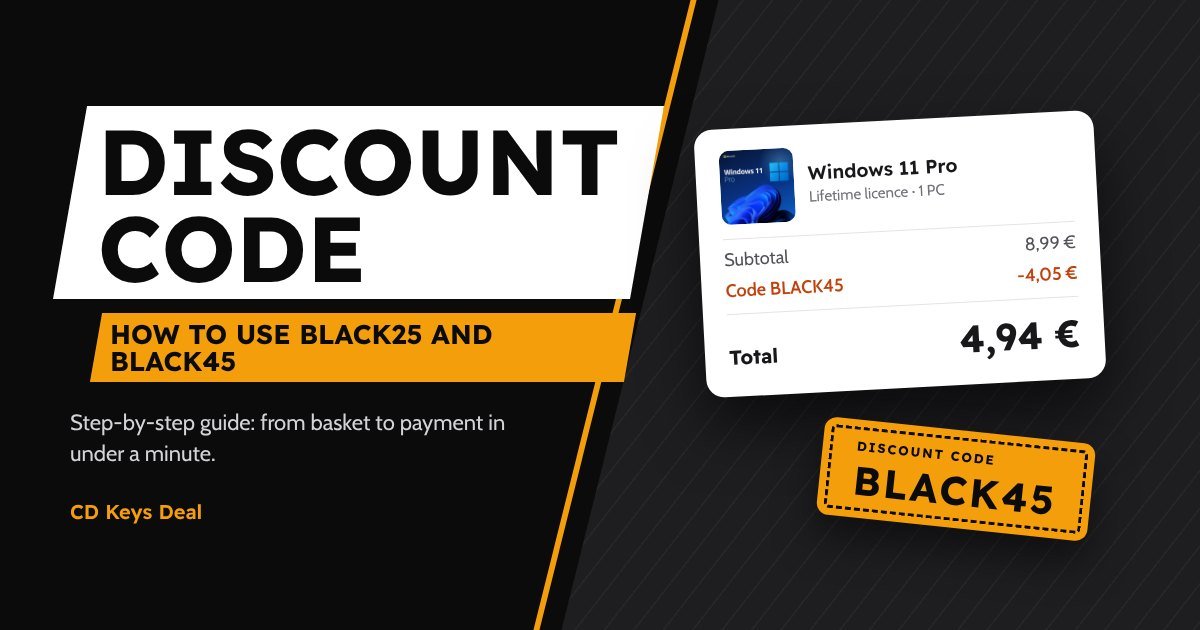
BLACK25works from 5 to 26 November and on 2-3 December: -25%.BLACK45works from 27 November to 1 December: -45%.- The code is added automatically in your basket. If it is not there, enter it at checkout under Have a promo code?
- It works on every Microsoft product: Windows, Office, bundles and Windows Server, also on several products in the same order.
1. Which code works today
Each code only works on its own days. You do not need to remember them: the basket always uses the right one.
| Dates | Code | Discount |
|---|---|---|
| 5 – 26 November | BLACK25 | -25% |
| 27 November – 1 December | BLACK45 | -45% |
| 2 – 3 December | BLACK25 | -25% |
Each phase ends at 23:59 (Italian time, CET). You find the exact price of every product with both codes in our Black Friday 2026 guide.
2. Step-by-step guide
Follow the steps with the Next button. The screens are simplified and use Windows 11 Pro with the code BLACK25 as an example.
Choose a Microsoft product
Open the page of a Windows, Office, bundle or Windows Server product. The price shown is the normal price: you see the discount in your basket.
Click Add to basket
Add to basket
The code is applied automatically
As soon as the product is in your basket, a green message appears: the code of the current phase has already been added.
Check the green message and go to checkout
 Microsoft Windows 11 Pro – Lifetime Licence 1 PC€8,991€8,99
Check the discount at checkout
In the summary on the right you see the Coupon line with the discount and the new total. With BLACK45 the line becomes -€4.05 and the total €4.94.
Check the discount line and the total
Continue to payment
Windows 11 Pro – 1 PC€8,99No discount? Enter it yourself
If you removed the code or were using another one, click Have a promo code?, type the code and press Apply. Upper or lower case does not matter.
Type BLACK25 (or BLACK45 from 27/11) and press Apply
Continue to payment
Windows 11 Pro – 1 PC€8,99Pay and get your key
Pay by card, Apple Pay or Google Pay. Your key arrives by email within minutes and always stays in your account, together with the official download link.
Copy the key and follow the activation guide
Microsoft Windows 11 Pro – Lifetime Licence 1 PC3. The code does not work? Here is why
- You are using it on the wrong days. If you type BLACK45 before 27 November you see the message “The code BLACK45 is not active right now”. Use the code of the current phase.
- There are no Microsoft products in your basket. Antivirus, Adobe, Xbox and the other products are not on offer.
- You already have another code. Codes cannot be combined: remove the other code and apply the Black Friday one.
- You removed the code yourself. If you click Remove, the basket does not add it back on its own: type it again in the promo code field.
If none of these is the reason, write to us in the chat: we answer right away and fix the basket with you.
4. The discount on several products
The code works on every Microsoft product in your basket, also on several copies. For example, with BLACK45 a Windows 11 Pro + Office 2024 Pro Plus bundle goes from €12.99 to €7.14. If you need several licences for home or the office, add them all to the same order: the discount applies to each one.
5. After payment
Your key arrives by email and you also find it in My account → Orders. Every product has its activation guide and the official Microsoft download link. These are the same genuine licences we sell all year: if you wonder why they cost so little, we explain it in is it legal to buy cheap Windows and Office keys?
Frequently asked questions
Do I need an account to use the code?
No, the code also works when you buy as a guest.
Can I use BLACK25 now and BLACK45 later for another order?
Yes. Each order uses the code that is active at that moment, and you can place as many orders as you like.
Does the code work with every payment method?
Yes: card, Apple Pay or Google Pay, the discount is already in your basket and does not depend on how you pay.
If the product page shows the full price, is the discount real?
Yes: the product page always shows the normal price, and the discount appears in your basket and at checkout, before you pay.
Read also
All articles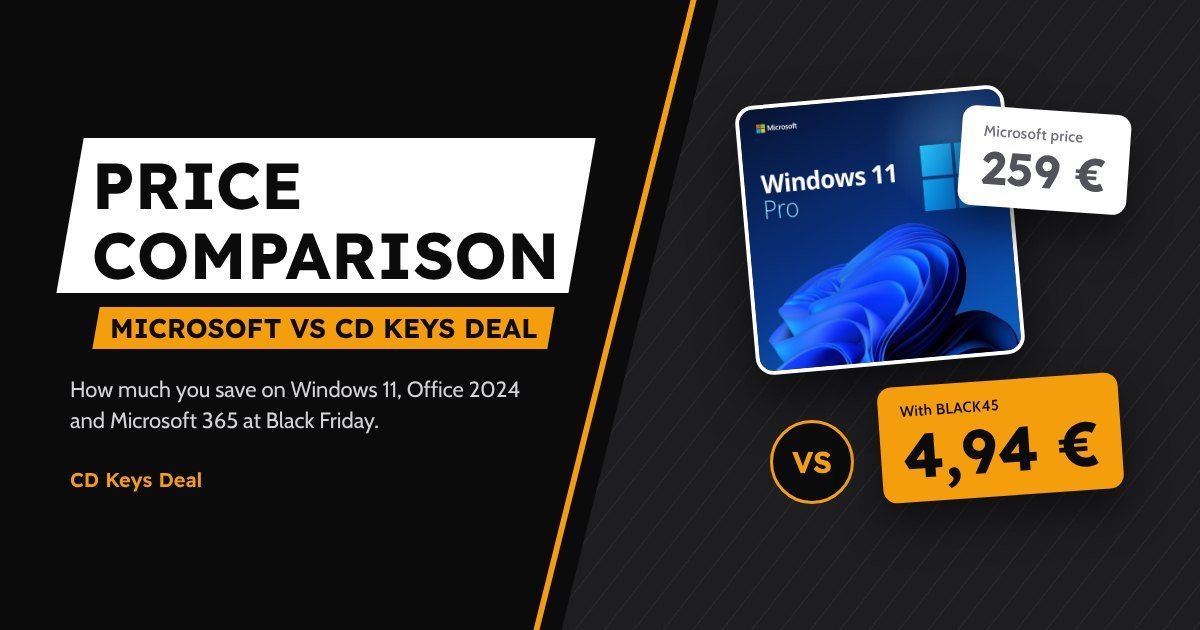
Black Friday 2026: how much you save on Windows and Office (price comparison)
Black Friday 2026 price comparison: Windows 11 and Office 2024 from Microsoft and at CD Keys Deal, Office 2024 against Microsoft 365 over 3 years and how much you save with BLACK25 and BLACK45.
Black Friday 2026: genuine Windows and Office up to -45%
Black Friday 2026 at CD Keys Deal: dates, the BLACK25 and BLACK45 discount codes and prices for Windows 11, Office 2024, bundles and Windows Server up to -45%.
Office 2019 and Office 2016 in 2026: can you still activate them, and are they worth it?
Office 2016, 2019 and 2021 are no longer supported by Microsoft. What that means, whether they still activate and why Office 2024 costs only €4 more.