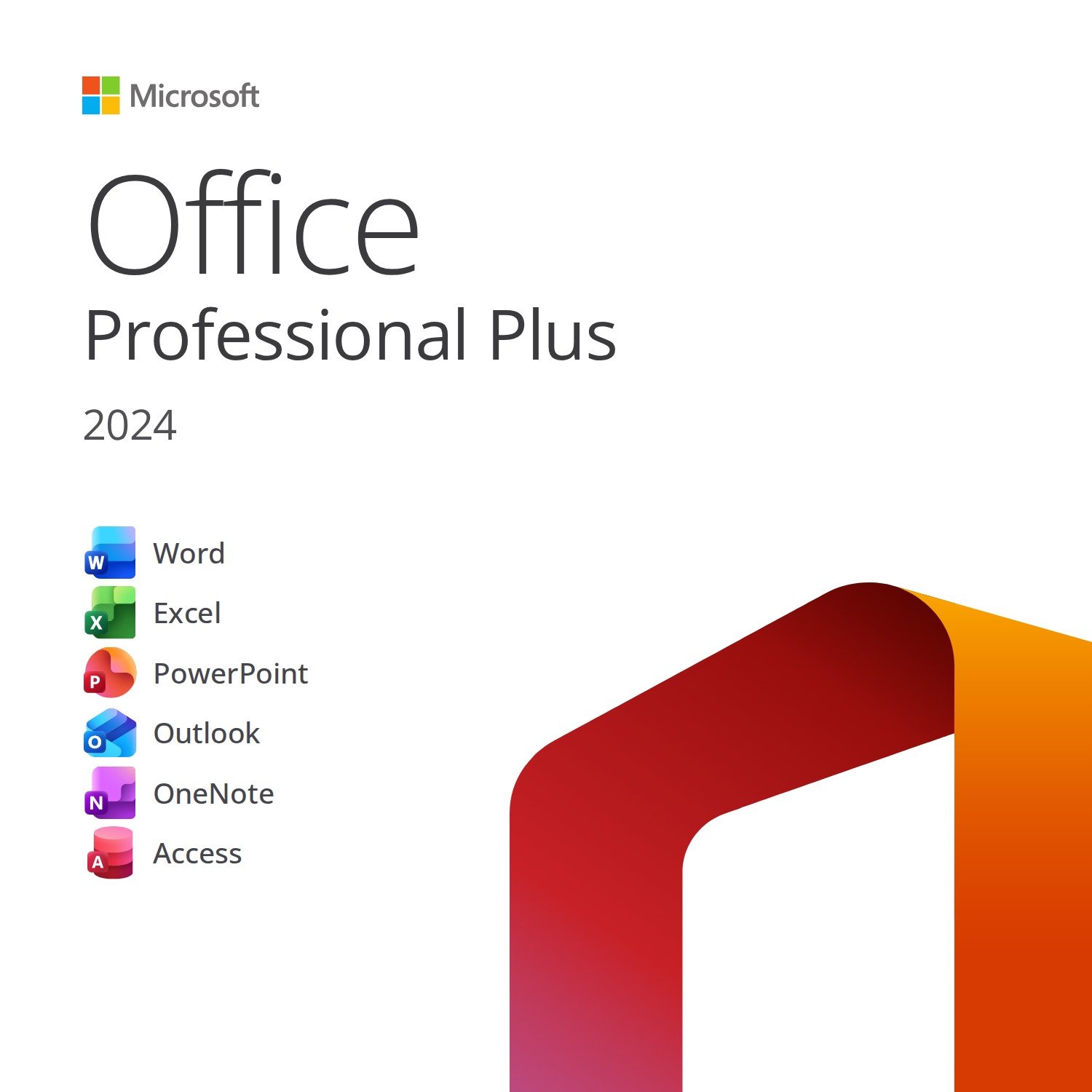
Buy Office 2024 Professional Plus with a genuine lifetime licence for 2 PC: the latest version of Microsoft’s suite, with Word, Excel, PowerPoint, Outlook, OneNote and Access in their 2024 editions. Product key by email within minutes, official download from Microsoft’s servers and Microsoft support guaranteed until 2029.
No subscription, no fees: you pay once and work forever with the world’s most widely used applications, now faster, more accessible and with new features in Excel, PowerPoint and Outlook. Ideal for professionals, businesses and students who want the complete suite with no recurring costs. Step-by-step guide and free support included.
Applications included in Office 2024 Professional Plus
- Word 2024
- Excel 2024
- PowerPoint 2024
- Outlook 2024
- OneNote
- Access 2024
What you get with Office 2024 Professional Plus
- Genuine product key to activate Office 2024 Professional Plus on 2 PC
- Official download link for the software from Microsoft’s servers (no physical media, no waiting)
- Installation and activation guide, step by step
- Delivered by email within minutes of payment confirmation
- Invoice and free support before and after your purchase
Key features of Office 2024 Professional Plus
- Excel 2024: dynamic arrays, new functions (TEXTSPLIT, VSTACK, IMAGE), faster calculation and improved charts
- PowerPoint 2024: recording with Cameo, automatic subtitles and new transitions
- Outlook 2024: faster search, advanced calendar and meeting management
- Word 2024: full dark theme, Line Focus and accessibility improvements
- Access 2024 for desktop databases and OneNote for your notes
- Updated performance and security, Microsoft support until 9 October 2029
- Perpetual licence: no subscription, no renewals
System requirements
- Operating system: Windows 10 or Windows 11 (also Windows Server 2019/2022)
- Processor: 1.6 GHz or faster, dual-core
- RAM: 4 GB (64-bit) or 2 GB (32-bit)
- Disk space: 4 GB available
- Display: 1280 × 768 resolution or higher; DirectX 9 graphics card with WDDM 2.0 driver or later
- Internet connection for download and activation
Activation in 3 easy steps
- Download Office 2024 Professional Plus from the official link in your email and start the installation.
- Open an application (Word, for example) and enter the product key in the activation window.
- Confirm: activation happens online in a few seconds and the suite is ready to use.
Office 2024 Professional Plus: frequently asked questions
Is the licence genuine and lifetime?
Yes. You receive a genuine Microsoft product key for Office 2024 Professional Plus, purchased from authorised software distributors. Perpetual licence: no subscription, no fees, no expiry date.
How many PCs can I install Office 2024 Professional Plus on?
The licence is valid for 2 PC. If you ever need to move it to a new computer, get in touch with us before you do: we’ll explain the correct procedure for your type of licence.
Is it compatible with Windows 11?
Yes, it’s fully compatible with Windows 10 and Windows 11 (32-bit and 64-bit). It can’t be installed on a Mac: for macOS, choose one of the Office for Mac versions available in our store.
Will I receive Microsoft updates?
Yes. Office 2024 receives security and quality updates from Microsoft until 9 October 2029, at no extra cost.
What’s the difference from Microsoft 365?
Microsoft 365 is a subscription with a monthly or annual fee; this is a perpetual licence: you pay just once and use the applications forever, with no renewals. It doesn’t include the extra OneDrive storage or the cloud features reserved for subscribers, but for most users it’s the most cost-effective choice in the long run.
Which language does it install in?
The licence is multilingual: you can install Office in English or any other language supported by Microsoft.
How and when do I receive the licence?
By email, within minutes of payment confirmation (in rare cases, due to anti-fraud checks, within 24 hours). No physical media: you receive the product key, the official download link and the step-by-step guide.
CD Keys Deal warranty and support
We buy our licences from authorised software distributors and keep the documentation for every supply. If the key doesn’t work on your first activation attempt, we’ll replace it or refund you, as set out in our Warranty Policy. Our team replies by email in under an hour on average and guides you step by step, from installation to activation. Secure payments, invoice included, instant digital delivery: no parcel to wait for.










Reviews
Clear filtersThere are no reviews yet.